Hardware
Does the iPhone have a thermal camera?
No iPhone has ever had a thermal sensor, and the iPhone 17 does not either. Here is what the infrared hardware in your phone actually does, and what you can still get out of it.
Updated
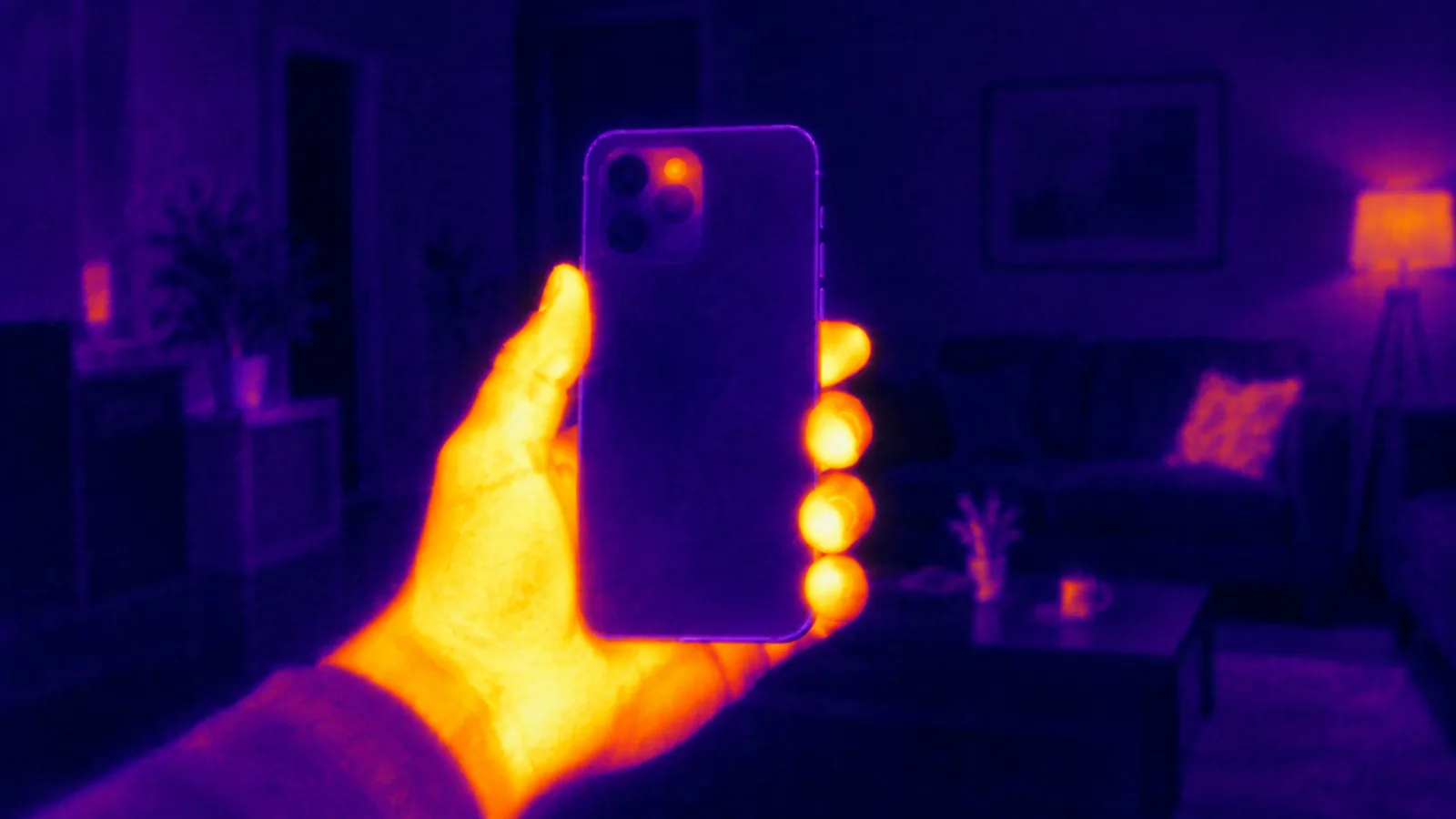
No. No iPhone has a thermal camera — not the iPhone 17, not the Pro, not any model before it. The same goes for every mainstream Android flagship. A handful of rugged phones are the exception, and they are built around the sensor rather than the other way round.
That is the short answer. The longer one is more interesting, because your phone is full of infrared hardware — it is simply the wrong kind of infrared.
Two different infrareds
“Infrared” covers a huge stretch of the spectrum, and the two ends of it need completely different sensors.
Near infrared (roughly 0.7–1.4 µm) sits right next to visible red light. An ordinary silicon camera sensor can see it, which is why a TV remote’s LED glows faintly purple-white when you point it at a phone camera. Your iPhone uses near infrared constantly: the Face ID dot projector paints thousands of invisible dots on your face, and a dedicated infrared camera reads them back.
Long-wave infrared (roughly 8–14 µm) is the band that warm objects emit simply by being warm. This is what “thermal imaging” means. Silicon is blind to it. Seeing it needs a microbolometer — a grid of tiny membranes that physically warm up when that radiation lands on them — usually behind a lens made of germanium, because ordinary glass blocks those wavelengths.
A Face ID camera and a thermal camera are as different as a microphone and a barometer. Both handle “waves”, neither can do the other’s job.
So what is the infrared hardware in an iPhone for?
- The Face ID array projects and reads a near-infrared dot pattern to build a depth map of your face. It works in the dark because it brings its own light, not because it senses heat.
- The LiDAR scanner on Pro models fires short infrared laser pulses and times how long they take to come back. It measures distance, not temperature.
- The main camera has an infrared cut filter glued over the sensor precisely to block stray infrared, because it would otherwise wash out colours.
None of those can tell you that a radiator is 60 °C and a wall is 19 °C.
Why Apple does not add one
Three reasons keep coming up, and all three are real:
- Optics. Long-wave infrared will not pass through the glass or plastic in a phone camera stack. You need germanium or chalcogenide glass, which is expensive and cannot be made as thin as a phone lens.
- Resolution. Consumer thermal modules are typically 160×120 or 256×192 pixels. Next to a 48-megapixel main camera, that looks broken to anyone who does not already know what they are looking at.
- Export rules. Thermal imagers above certain resolutions and frame rates are controlled goods in several countries. Building one into a phone sold in 175 markets is a paperwork problem before it is an engineering one.
Phones that really do have one
If you genuinely need temperature readings in a phone, they exist — they are just not the phones most people carry:
- Cat S62 Pro / S61 — a FLIR Lepton module built in
- Blackview BV9800 Pro, Ulefone Power Armor 18T Thermal and similar rugged models — also FLIR Lepton based
- AGM Glory G1S and others in the same rugged category
They are thick, heavy and aimed at electricians, roofers and HVAC engineers. The thermal sensor is the reason the phone exists.
The clip-on route
The more common answer for an iPhone is an accessory that plugs into USB-C or Lightning:
- FLIR One Gen 3 / Edge Pro — 160×120 thermal plus a visible camera for edge detail
- Seek Thermal Compact / CompactPRO — 206×156 and 320×240
- Topdon TC001 / TS001 and InfiRay P2 Pro — the cheaper end, and the reason “topdon thermal camera” turns up in search as often as it does
All of them turn your iPhone into the screen and the battery for a real sensor, and all of them cost several times what an app does.
What a thermal camera app can do, then
An app with no extra hardware cannot measure temperature. What it can do is take the ordinary camera picture and map its brightness onto the same colour palettes a thermal imager uses — iron, rainbow, arctic — so bright areas read as hot and dark areas as cold.
That is a visual effect, and any app that claims otherwise is lying to you. It is genuinely useful for three things:
- Seeing the look. Steam off a mug, a warm laptop vent and sunlight through a curtain all read convincingly, because in those cases brightness and heat happen to line up.
- Photos and video. The palettes, the scanline and glitch looks and the night-vision tints are a real camera effect, recorded live rather than pasted on afterwards.
- Low light. Night modes brighten and tint a dim room. There still has to be some light — a camera with nothing to capture captures nothing.
Our own app, Thermal Camera, is squarely in that category: twenty looks rendered live on the device, a HUD that marks the brightest and darkest regions of the frame, and a detail overlay that keeps edges readable. It does not read temperature, and the App Store listing says so.
In one line
Your iPhone has infrared hardware but no thermal sensor. For real temperature you need a clip-on imager or a rugged phone built around one; for the look, a live camera effect does the job honestly.